We Support your IT Everything


We Support your IT Everything
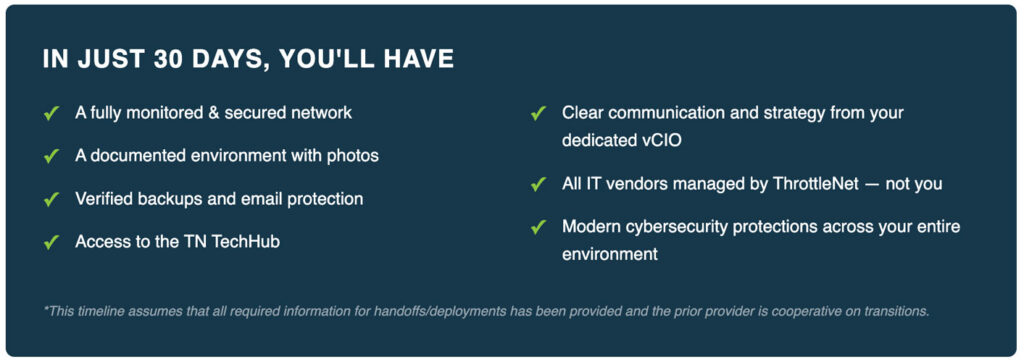
Switching IT providers doesn’t have to be a headache — though for most companies, it is. The complaint we hear over and over: their old provider’s onboarding stretched on for months and never felt organized. At ThrottleNet, we’ve built a better way. We can get your entire environment fully operational in roughly 30 days, backed by a dedicated onboarding team following a tested, repeatable playbook. We also step in to manage all your IT vendor relationships directly, taking that burden off your plate entirely. And from the very first day, you get our 90-second IT support response time.
What happens in the very first hours of Managed IT Onboarding matters most. From day one, we start putting protective measures in place and laying the groundwork your business will depend on for the long haul. And with the TN Support Icon sitting right on your desktop, help is never far away — you’re tapping into our sub-90-second average response time with a single click.

Getting you confident in ThrottleNet is just step one — we want your whole team on board, too. Once we’ve finished digging into your infrastructure and pinpointing your security needs, our Managed IT Onboarding process shifts into education mode, walking you through the specific issues facing your network. You’ll get straightforward recommendations paired with the outcomes to expect, so the path forward is never a mystery.
From there, we connect directly with your staff — introducing our team, showing them every way to reach support, and coaching everyone on smart “digital hygiene” habits that keep common security threats at bay. Want the bigger picture? Check out our Managed IT Services and Cybersecurity Protection.
Every ThrottleNet engagement follows the same proven path. Explore each phase below, and click Learn More to see exactly what happens at each step.
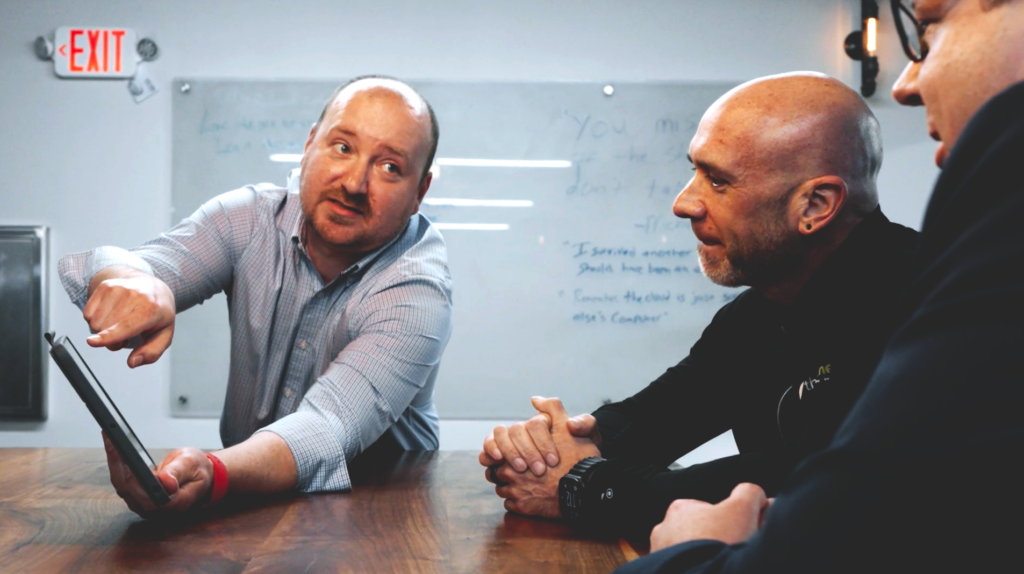
Before the real work starts, your dedicated onboarding team gets aligned on what you’re trying to achieve and pulls together everything needed to move forward. A kickoff call comes first — laying out clear expectations and putting a face to the people who’ll be guiding you through the transition.
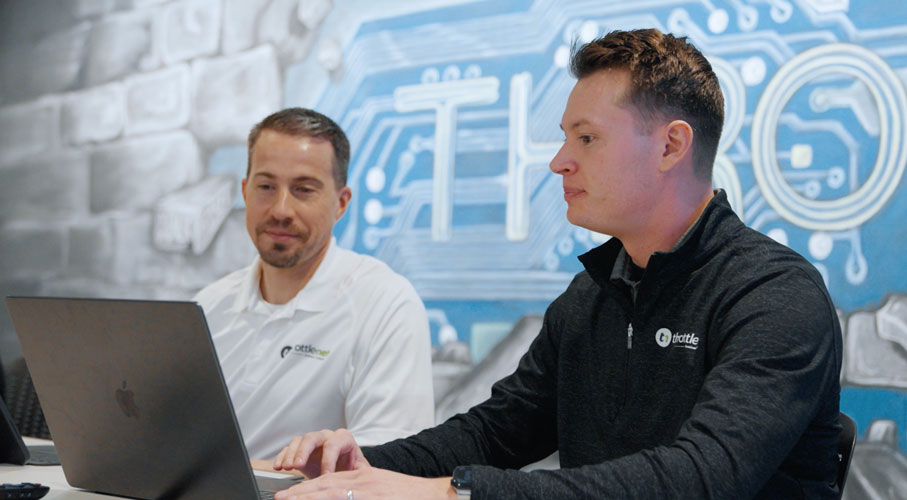
This stage is where our dedicated team takes over the bulk of the work — mapping out your environment, locking down security, rolling out protective measures, and picking up your vendor relationships — all while keeping disruption to your staff to a minimum.
Performed remotely; minimal impact on your team.
Preparation work — no changes noticeable to end users.
Foundational security kicks in. We deploy layered cybersecurity protection that shields your endpoints, web traffic, and network from active threats.

We put modern email security and compliance measures into action, switching over the systems that guard your inbox against phishing attempts and spoofing attacks.
We layer in advanced detection and response capabilities, delivering enterprise-level insight into identity-based threats and security events.

We close out the process with an in-person wrap-up meeting hosted by your vCIO — verifying that everything’s up and running, fully documented, and fine-tuned — while launching continuous cybersecurity training to keep your team sharp going forward.
Great Managed IT Onboarding doesn’t stop at go-live. In your first month, we build clarity, confidence, and a security-aware culture across your organization.

Your vCIO and Onboard Engineer put together a full network diagram and chart a technology roadmap tailored to your business. From the outset, you get a transparent view of where your systems currently stand — and the direction they’re moving in.
We refresh and secure every essential piece of network data — passwords, credentials, and beyond — bringing it all together in a single, trusted hub. Your digital groundwork is fortified and protected right from the start.
We coach your team on recognizing phishing attempts and social engineering tactics, walk them through the right way to request support, and set clear expectations for what our partnership looks like. The result: employees who feel confident and security-conscious, actively helping protect your network.
Time to book your first dedicated vCIO consultation — a recurring quarterly session focused on technology alignment and business strategy that keeps your IT roadmap in lockstep with where your business is headed.
Don’t wait for your next IT crisis. Contact us today for a free on-site consultation & security report to evaluate your business’s IT security needs.